Live online batches across IST, EST & GST — learners in 189+ countries

0 Cart
Home› Courses› BI and Data Visualization› Microsoft Power BI
BI and Data Visualization Upskill with BISP Powered By AI

Microsoft Power BI

This course aims at providing deep and comprehensive training on this powerful business analytical tool. Microsoft Power BI Training covers every element and aspect of using, managing and operating this tool. This course is planned keeping…

4.8  ·  Rated by learners Certificate of completion
Duration
25 Hours
Mode
Live + Recorded
Level
Beginner → Pro
Language
English / Hindi
LEARN. PRACTISE. EXPLAIN.

Turn the curriculum
into your next skill.

Explore what this course covers, try a learning preview and choose the practice you need.

01

What you'll practise

  • Introduction to Power BI
  • Components of Power BI
  • Installing Power BI Desktop
  • Various Options in Power BI Desktop
Discuss the curriculum ↗
02

Prepare with AI feedback

Practise explaining your knowledge. Review the interview feedback, revisit a topic and try again.

Try the public interview to experience the format before choosing a paid option.

Try an AI interview ↗
03

Check your next step

Ask about prerequisites, lab access, project work and the career support available for Microsoft Power BI.

Meet the trainer in a demo ↗
Compare what's included and what's optional

Live training includes the AI practice described above. The AI interview add-on provides extra attempts; other add-ons are selected separately.

OptionWhat's providedAccess / planPrice
Live Interactive ClassesTraining optionInstructor-led live sessions with recordings, hands-on assignments and a completion certificate.1 year$498
MCQsOptional add-onPractice MCQ sets for this course, scored instantly, in your dashboard.2-month subscription$2
MCQsOptional add-onPractice MCQ sets for this course, scored instantly, in your dashboard.1 year$4
AI Based Mock Interview PreparationOptional add-onFive extra AI mock interviews, each with a written feedback report.2-month subscription$32
AI Based Mock Interview PreparationOptional add-onFive extra AI mock interviews, each with a written feedback report.1 year$81

USD prices are all inclusive. Choose your options in Build your plan; checkout confirms the final total.

Course overview

About the Microsoft Power BI program.

This course aims at providing deep and comprehensive training on this powerful business analytical tool. Microsoft Power BI Training covers every element and aspect of using, managing and operating this tool. This course is planned keeping in mind the market challenges so that candidates after completion of this course are prepared well to use this tool confidently. You will be provided with all the necessary tools and kits that will help you understand and use this tool better. You will be provided with sample tools and data that will help you practice and master your skills on this tool.

Why learn with BISP

Trusted by professionals across 30+ countries.

Industry trainers

Certified consultants with 12+ years of real project experience.

Hands-on practice

Real-time scenarios & live project modules, not just slides.

Placement support

Resume building, mock interviews & job referrals.

Certification

BISP certificate + full guidance for official exams.

Course curriculum

Designed by real-time industry professionals around current job roles.

Download curriculum (PDF)
7 modules 59 topics
01 1. Introduction 4 topics
  • Introduction to Power BI
  • Components of Power BI
  • Installing Power BI Desktop
  • Various Options in Power BI Desktop
02 2. Working with Different Sources (Excel, SQL Server, OData Feed etc.) 7 topics
  • Import
  • Direct Query
  • Import vs Direct Query
  • Limitations of Direct Query
  • Query Editor
  • Working with Power Query
  • Relationships (1:1, 1: Many, Many:1)
03 3. Reports Development 5 topics
  • Reports Development in Power BI
  • Working with Different Visuals
  • Formatting Options in Reports
  • Working with Filters
  • Custom Visuals
04 4. Power BI Service 11 topics
  • Overview of Power BI Service
  • Publishing the Reports
  • Dashboards
  • Gateways
  • Enterprise vs Personal Gateway
  • WorkSpaces
  • Content Packs
  • Apps
  • Security
  • Schedule Data Refresh
  • Power BI Premium
05 5. SSAS Tabular 8 topics
  • SSAS Tabular Overview
  • Install and Configure SSAS Tabular
  • Building a Tabular Model
  • SSAS Tabular as Source
  • Live Connections
  • Deploy & Processing in Tabular
  • SQL Server Agent
  • Schedule Processing of Model
06 6. Data Analysis Expressions (DAX) 11 topics
  • Introduction to DAX
  • Calculated Columns
  • Measures
  • Calculated Columns vs Measures
  • Variables
  • Table Functions
  • Evaluation Contexts
  • Calculate
  • Time Intelligence in DAX
  • Frequently Used DAX functions in Real-time
  • Calendar Functions
07 7. Advanced/ Other Power BI Concepts 13 topics
  • Parameters
  • Drill Through
  • Bookmarks
  • Row-level Security
  • Dynamic Measures
  • Dynamic Axis in Charts
  • Dynamic Filters
  • Power BI Template file
  • Wallpapers
  • Themes
  • Q&A
  • Editing the Themes
  • Power BI Updates

Course details

Who it is for, what you need, and how it is delivered.

Who should learn Microsoft Power BI?

Anyone who is looking to make it big in IT sector and has zeal in Data analytics can join this course. Data analysis is a high paying job and is in big demand in both international and domestic markets. A candidate must have a good understanding of computers. Knowledge in programing language is a plus but it�s not necessary. Following candidates can apply for Microsoft Power BI Training:

Prerequisites

This certification training course does not presume or require any prior knowledge or prerequisites. However, basic knowledge of salesforce concepts be an added advantageous. We are recommending that students should have following: To be an administrative professional Should possess clear knowledge and grasp of salesforce concepts knowledge on SQL, HTML and JavaScript should be an added advantage

Delivery methodology

We are using an experiential delivering methodology that blends theoretical concepts with hands-on practical learning to ensure a holistic understanding of the subject or course.

Class delivery

Live Interactive classes with expert

Certificate of completion

Earn an industry-recognised BISP Trainings certificate when you finish the course.
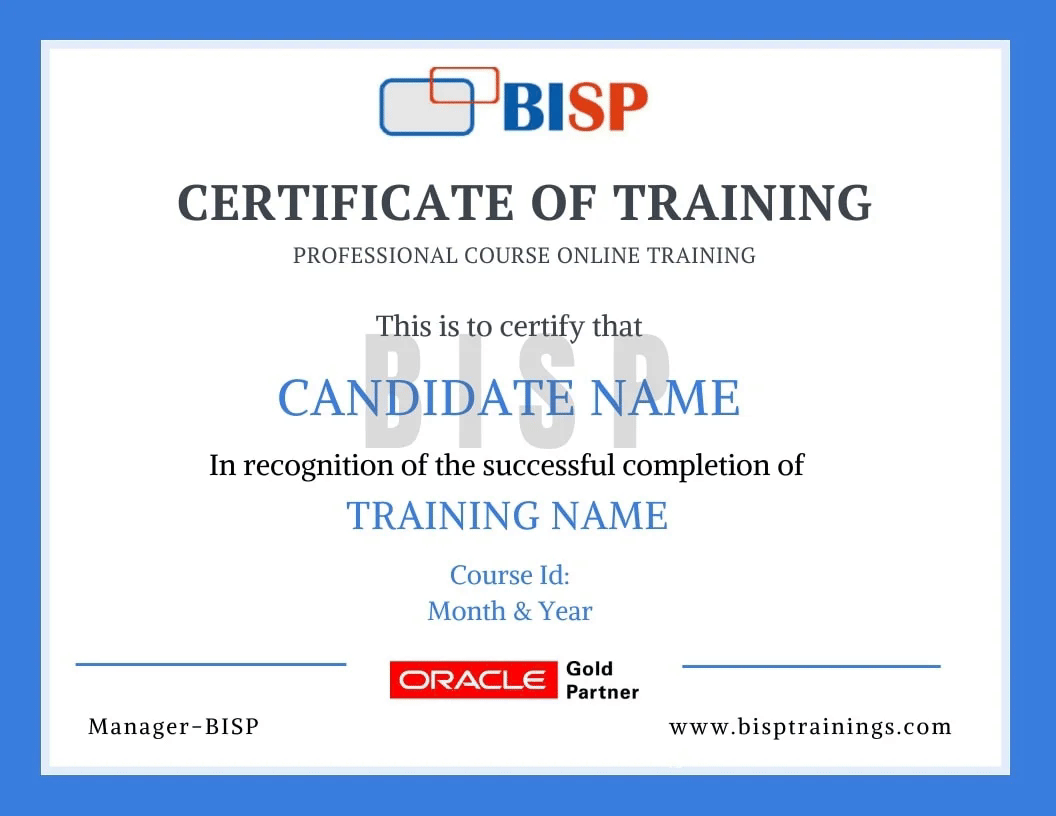
BISP Trainings Certificate of Completion
  • Verifiable certificate with a unique ID
  • Shareable on LinkedIn & your resume
  • Recognised by our hiring partners

Frequently asked questions

Everything you need before you enroll.

Can I attend a demo session before enrollment?

Yes. You may attend a demo class before enrollment for training quality evaluation, and interact one-to-one with the trainer for any specific requirement.

Can you schedule training as per my availability?

Yes. We discuss it with the trainer and schedule the training at a convenient time for you.

What if I miss a class?

You get the recorded session. You may also retake the whole training multiple times within a 6-month period with the same trainer.

Is there live project training?

Yes. The curriculum includes real-time scenarios and live project modules, with the trainer explaining every topic end-to-end.

How can I pay for the course?

Enroll securely via the payment gateway on this page using card, UPI or net-banking. EMI options are available.

More queries?

Call us at +91 769-409-5404, or write to support@bisptrainings.com.

Case studies & learning PDFs

Free BI and Data Visualization resources to explore.

Relevant courses

Learners who took this also explored these.

Not sure if this course is right for you?

Book a free 1-on-1 counselling call and get a personalised learning roadmap.

Book free trial →
Chat on WhatsApp